
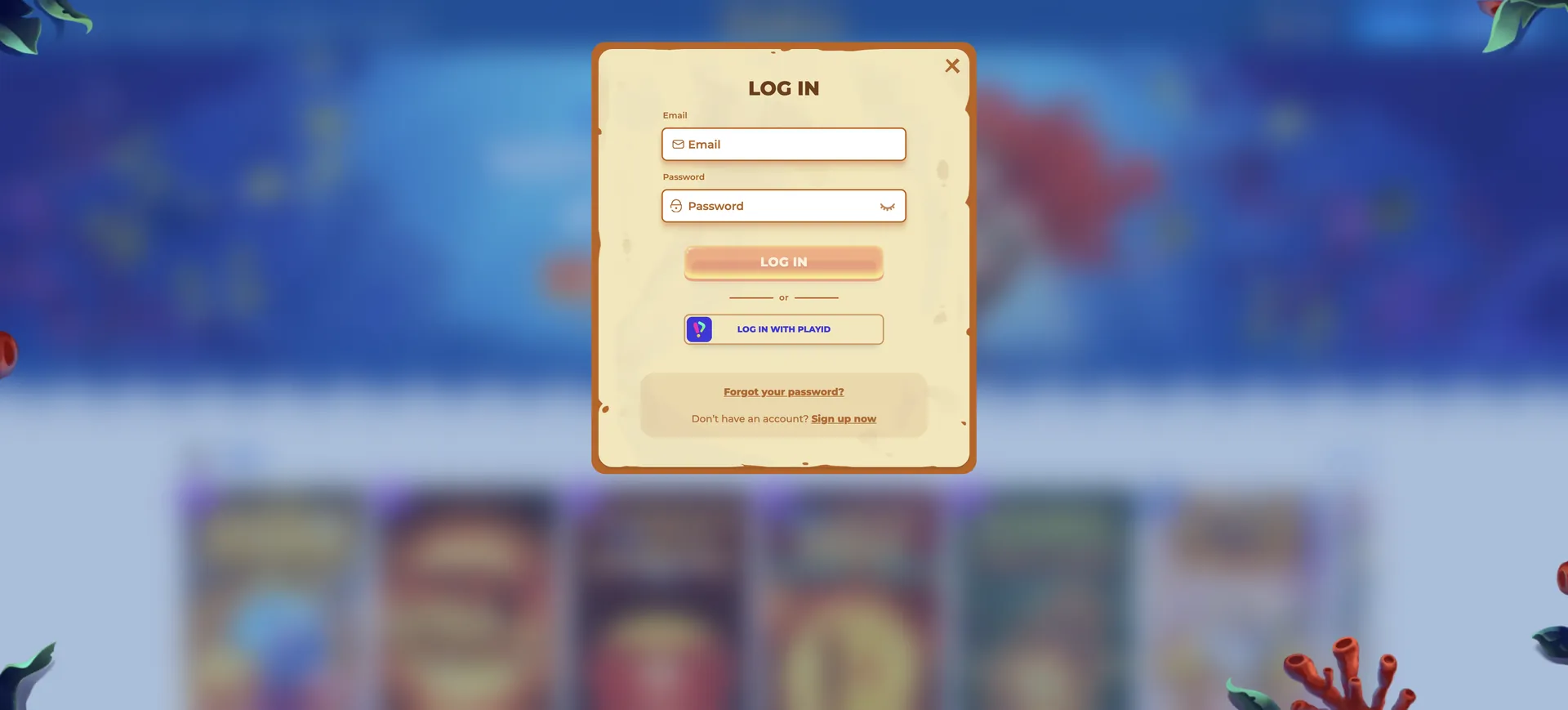
Posido Casino Login works through the official site at posidoau.com: the sign-in form takes the details set during registration, where an account is created with a username, a password and an email address. The same login is used on a computer and in a mobile browser, and it gives access to the casino, the live tables and the sportsbook from one Posido account. If signing in fails, the password recovery function on the login form sends reset instructions to the registered email, and live chat or [email protected] can help when the account itself is blocked.
No details about two-factor authentication or session security are published, so account protection depends mostly on a strong, unique password and a secure email account. Verification is a separate step: it is triggered by AML thresholds rather than by logging in, and documents are processed within 24 to 48 hours.
| Login essentials | Details |
|---|---|
| Access | |
| Where to log in | posidoau.com |
| Account details | Username, password and email set at registration |
| Password reset | Available from the login form |
| Two-factor authentication | Not described in the casino's public information |
| Devices | Desktop and mobile browsers |
| Account | |
| Minimum age | 18 |
| Verification | On AML triggers; 24 to 48 hours |
| Currency of offers and limits | Approximate AUD equivalents converted at 1 EUR = 1.5856 AUD |
| Support | Live chat, [email protected] |
Signing in to a Posido account
Logging in takes a few steps and does not depend on the device. The form is the same on desktop and in a mobile browser, and one set of details opens both the casino and the sportsbook.
Login step by step
The sequence below assumes the account already exists. If it does not, the registration section further down applies first.
- Open posidoau.com in a current browser. Typing the address or using a saved bookmark is safer than following links from unknown sources.
- Select the login button at the top of the page.
- Enter the account details created at registration.
- Type the password carefully. Passwords are case-sensitive, so a stray Caps Lock is enough to fail.
- Confirm and wait for the account area to load without refreshing the page.
- Check the balance and any active bonus before opening a game.
No account yet: registering at Posido
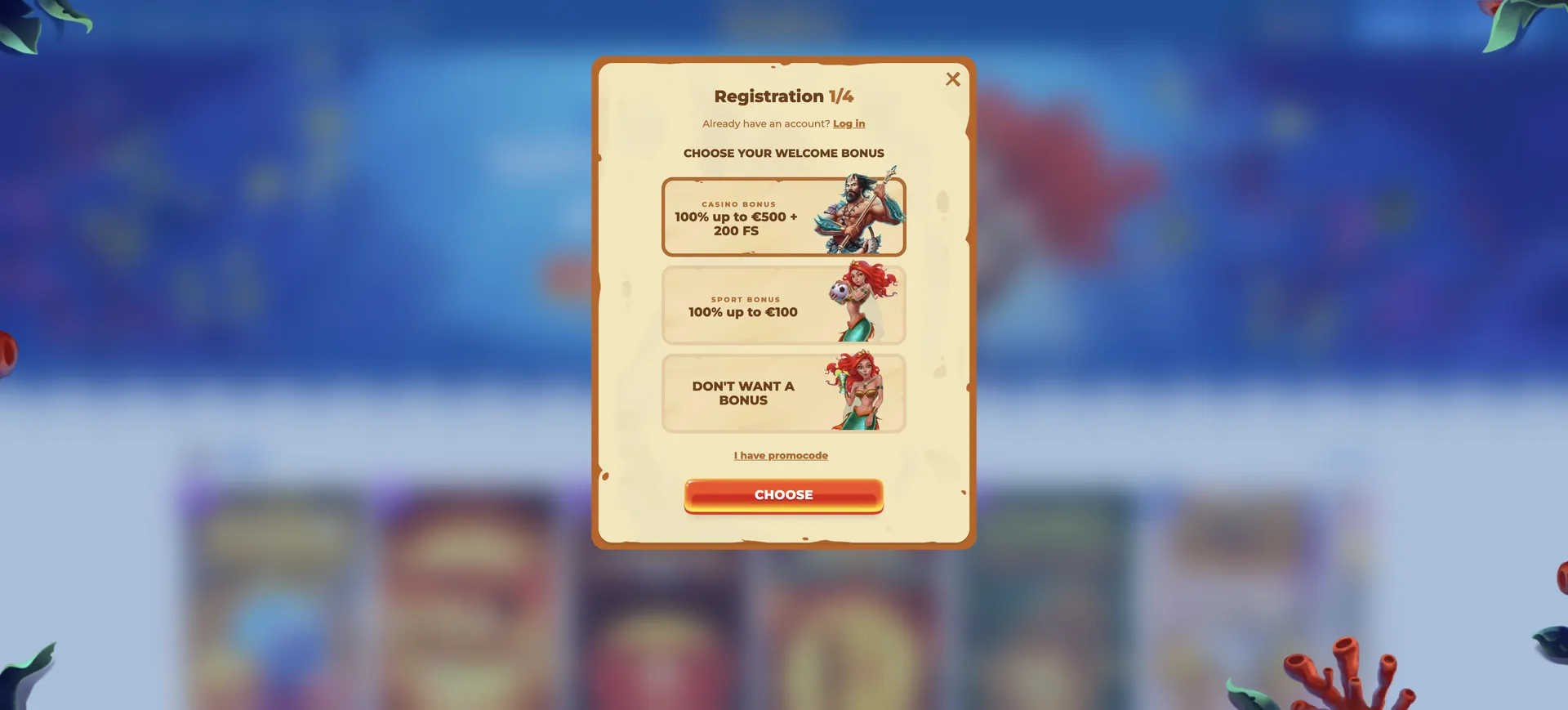
Creating an account asks for only three fields, and the welcome bonus is chosen on the same form. The account holder must be 18 or older.
Registration in brief
The choice made at sign-up shapes the first deposit, so it is worth knowing the two welcome offers before filling in the form.
- Pick a username and a strong password.
- Add an email address that is checked regularly, since password resets go there.
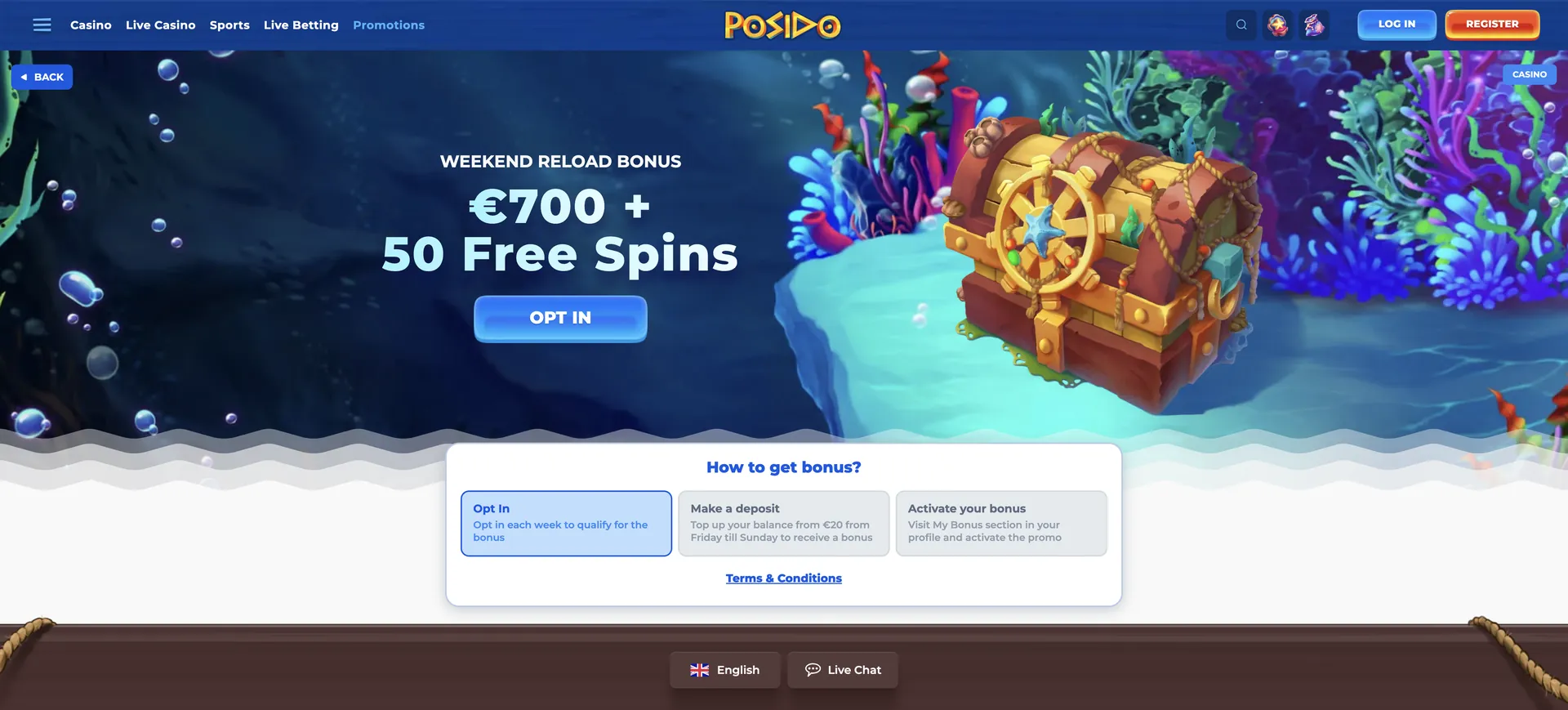
- Choose the casino welcome bonus (100% up to A$792.80 + 200 free spins) or the sports welcome bonus (100% up to A$158.56).
- Accept the terms and submit the form.
- Log in and make a deposit of at least A$31.71 to activate the chosen bonus.
Getting back in after a forgotten password
Password recovery is available directly from the login form. The reset goes to the email address saved in the account, which is why that address needs to be one the player still controls.
Reset steps
A reset usually takes a couple of minutes, most of which is waiting for the email to arrive.
- Open the login form and select the password recovery option.
- Enter the email address used at registration.
- Open the email from Posido and follow the reset link. If it is not in the inbox, check the spam folder.
- Set a new password that has not been used on any other site.
- Log in with the new password and update it in the password manager.
If the email never arrives, the registered address may be mistyped or no longer active. In that case, live chat or [email protected] is the route to recover access, and the support team may ask for identity details to confirm ownership.
Fixing common Posido login problems
Most login failures fall into four groups. Working through them in order solves the majority of cases before contacting support.
Wrong username or password
A failed login message usually points to a typing error. Check the keyboard layout and Caps Lock, make sure an autofilled password belongs to this site, and try the password reset if the error repeats. A reset is quicker than guessing several times in a row.
Browser and cache issues
When the form does not react or the page reloads without logging in, stored browser data is the usual cause.
- Clear cache and cookies for the site, then reload.
- Turn off extensions that block scripts or pop-ups.
- Try another browser or a private window.
- Update the browser if it is several versions behind.
Security codes
Two-factor authentication is not described in the casino's public information. If the site asks for a code during login, check that the device clock is correct and that the code is entered within its time window, then contact support if it still fails.
Blocked or restricted account
An account can be restricted while verification is pending, after a self-exclusion request or for reasons set out in the terms. In those cases, a new password will not help. Live chat or email to [email protected] is the only way to find out why access is limited and what is needed to restore it.
Keeping the account secure
With no published details on two-factor authentication, the basic habits below carry most of the security weight.
- Use a long password that is unique to Posido.
- Protect the registered email account, because password resets go there.
- Log out on shared or public devices.
- Avoid logging in over public Wi-Fi without a trusted connection.
- Never share login details with anyone, including people claiming to be support staff.
Logging in on a phone
The login is the same on mobile as on desktop, since Posido runs in the browser. Posido does not publish details of a native app, so the mobile browser version with a home screen shortcut is the quickest way to reach the login form on a phone.
Mobile tips
Small screens make typing errors more likely, so a few habits help:
- Save the details in the phone's password manager to avoid typos.
- Add the site to the home screen through Safari's Share menu or Chrome's menu.
- Switch from mobile data to Wi-Fi if the login page loads slowly.
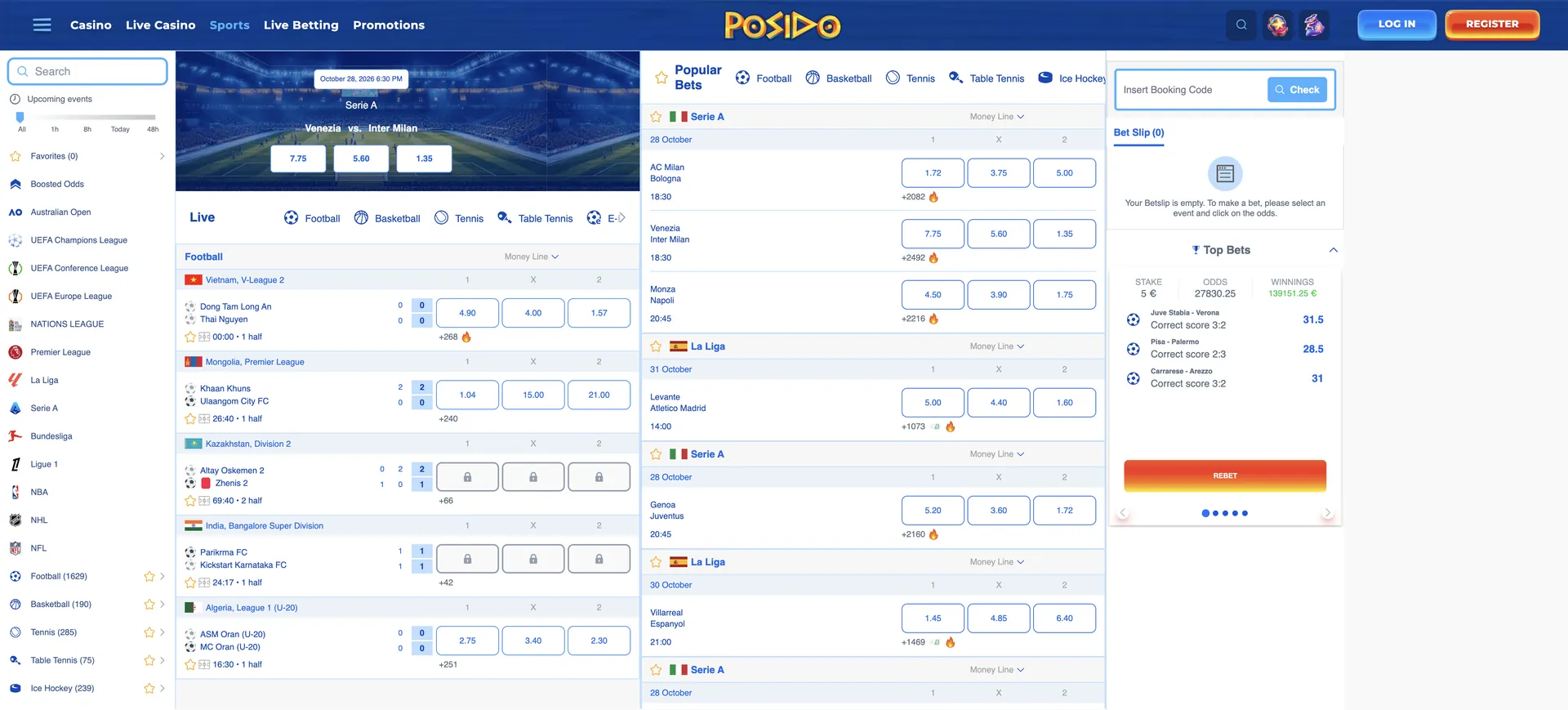
What opens after logging in
Once signed in, the account gives access to every part of the site that needs a balance or a profile:
- Cashier: deposits and withdrawals, with the methods available for the account.
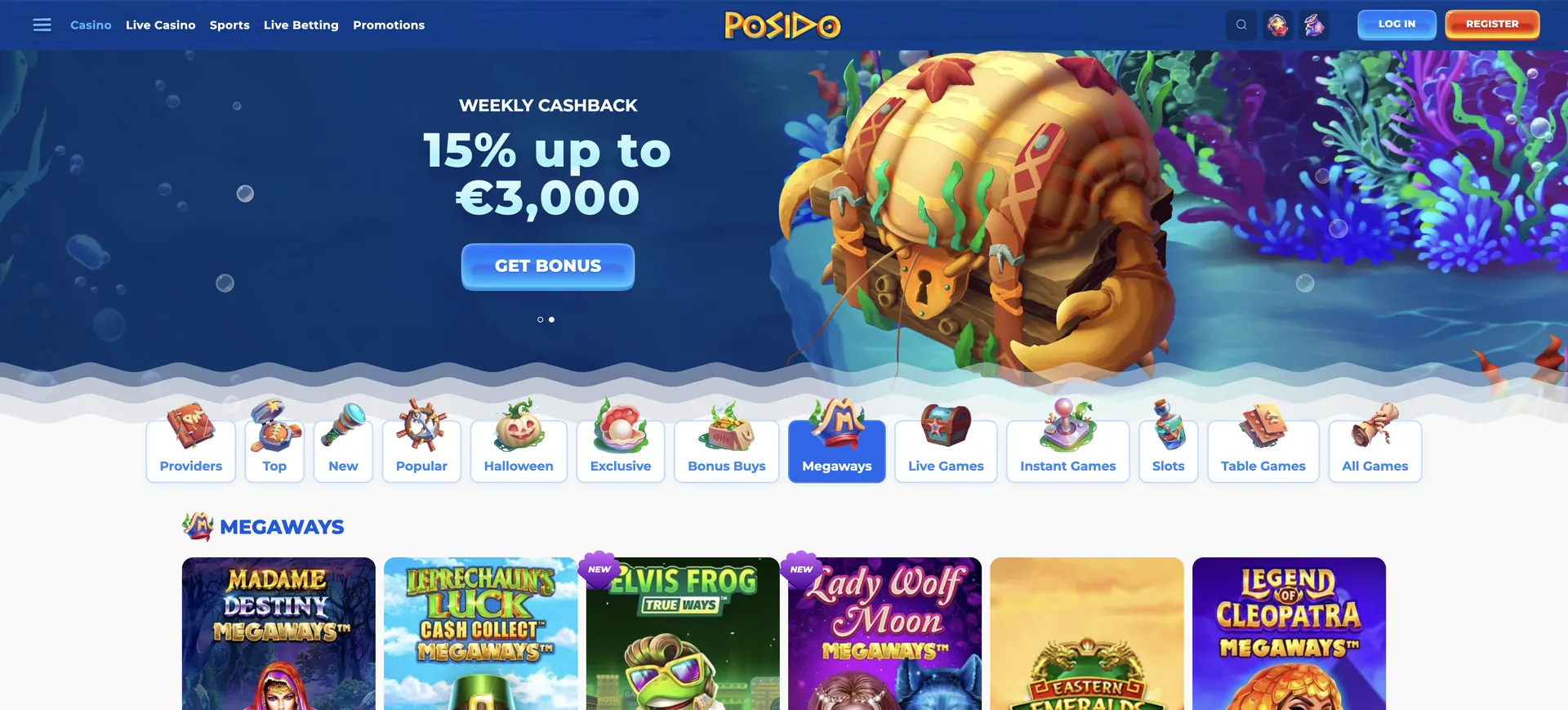
- Promotions: opt-ins for the weekly reload (Monday to Thursday) and the weekend reload (Friday to Sunday).
- VIP status: the current tier from Mortal to Poseidon and the related cashback and withdrawal limit.
- Tournaments: Spinoleague, Best of Onlyplay and other leaderboards.
- Sportsbook: pre-match and live betting with the same balance.
- Verification: document upload for KYC checks.
Verification after login
Verification starts when an account reaches the triggers set by international AML regulation. The check can cover a valid identity document, proof of residence, proof of ownership of the payment methods and a transaction history. Documents are processed within 24 to 48 hours. Uploading them early, before the first withdrawal, keeps the check from slowing down a payout, and the withdrawal guide explains how the limits work in practice. The VIP tier also sets a monthly withdrawal limit, from A$11,099.20 at Mortal to A$31,712 at Poseidon.
Posido Casino Login FAQ
Short answers to the questions that come up most often around signing in.
Where is the Posido Casino Login?
On the official site, posidoau.com, through the login button at the top of the page. The same form works on desktop and mobile.
What details are needed to log in?
The details set during registration, where the account is created with a username, a password and an email address.
How can a forgotten Posido password be reset?
Through the password recovery option on the login form. Reset instructions are sent to the registered email address.
Does Posido use two-factor authentication?
The casino does not describe two-factor authentication in its public information. A unique password and a secure email account are the main protection.
How long does verification take?
Documents are processed within 24 to 48 hours. The casino can ask for four types of documents, including proof of residence and proof of ownership of payment methods.
Who can help if the account is blocked?
The support team through live chat or at [email protected].
Updated on 28 October 2026.